PDF tools that respect
you and your documents.
No ads. No tracking. No cloud uploads. No subscriptions. No watermarks.
No ads. No tracking. No cloud uploads. No subscriptions. No watermarks.
Your documents never leave your phone. There is no server because we never built one.
No analytics. No ad networks. No invisible data collection. We don't even know you exist.
No banners, no pop-ups, no "sponsored" suggestions.
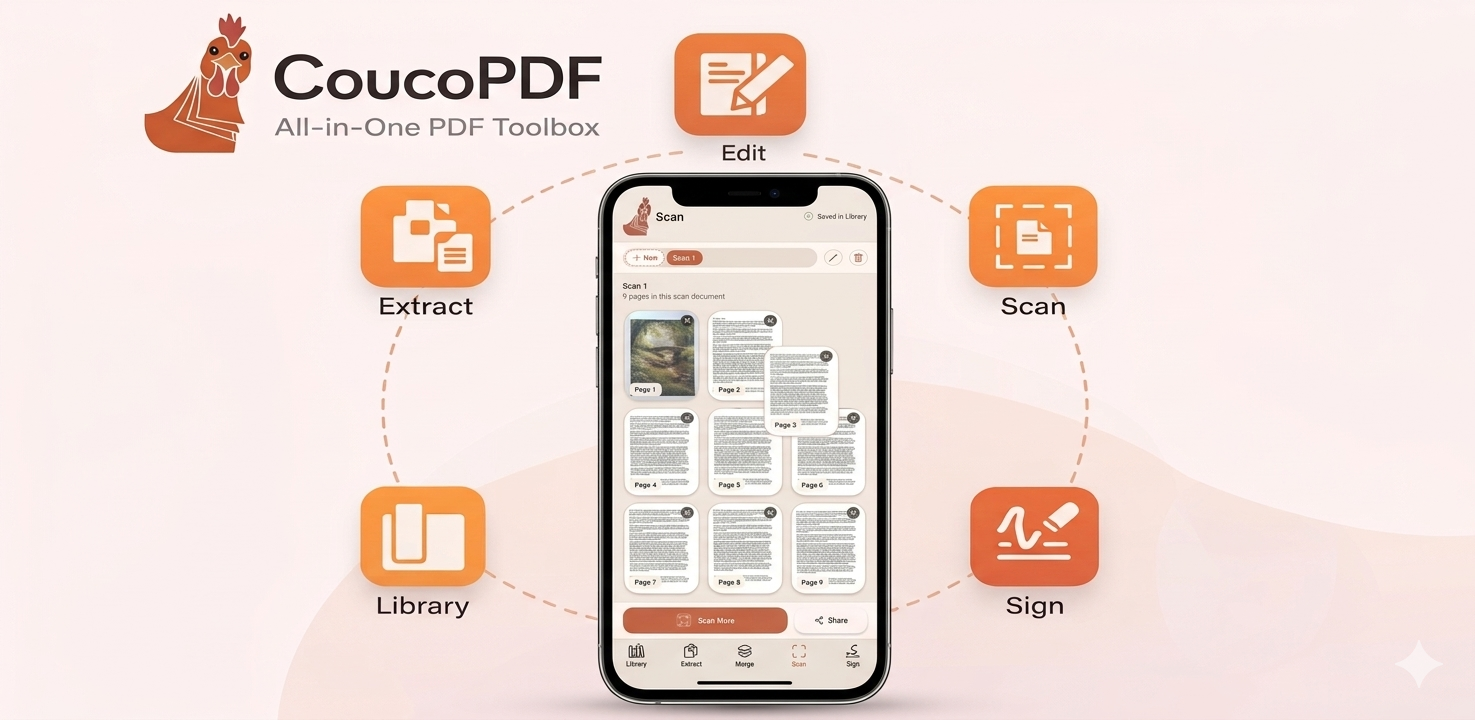
Five clear tabs: Library, Extract, Merge, Scan, Sign. Open the app, tap what you need, done.
Designed to be your default PDF reader: the only PDF app you'll ever need.
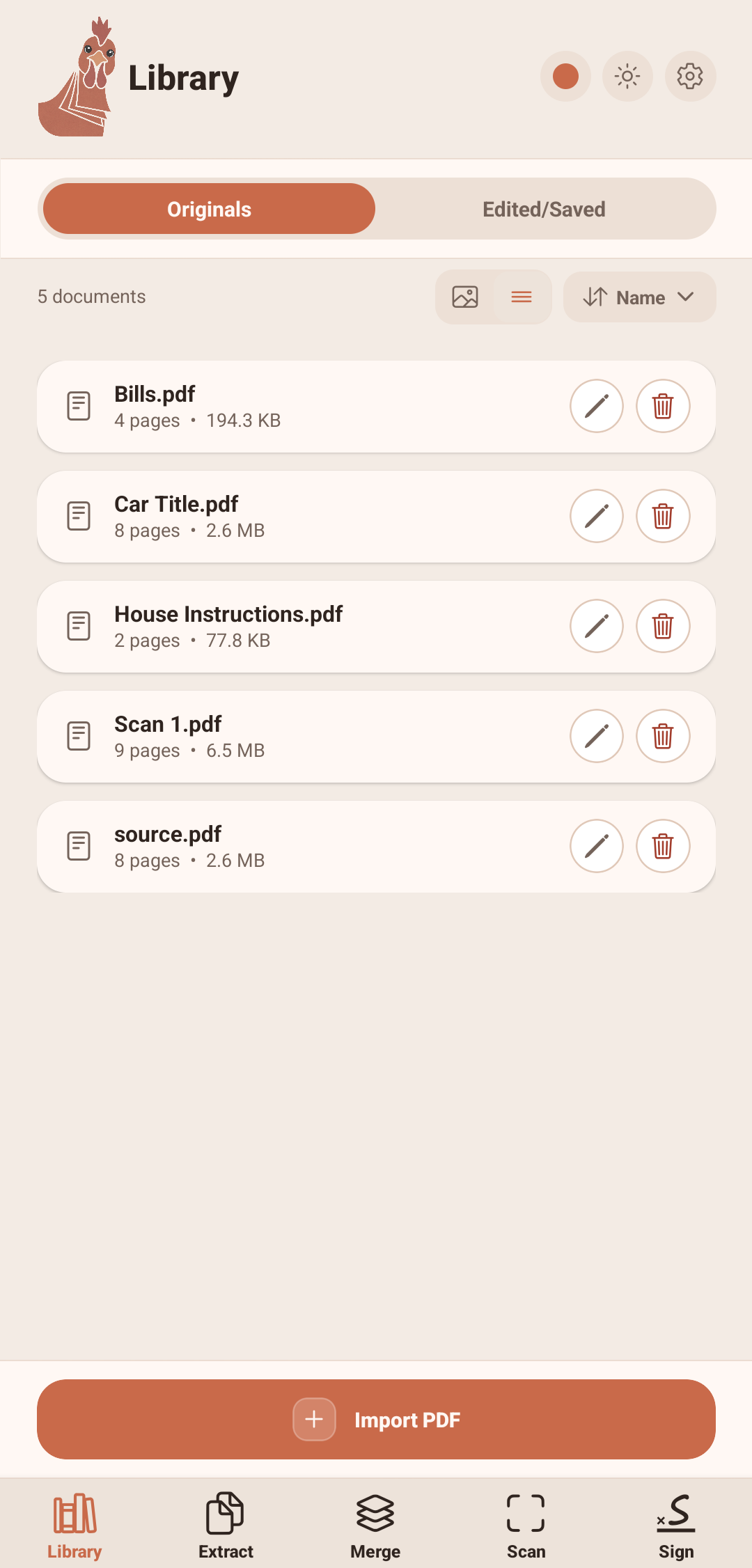
All your PDFs organized in one place. Import, search, rename, sort: with thumbnail previews. Originals and edited copies kept separate automatically.
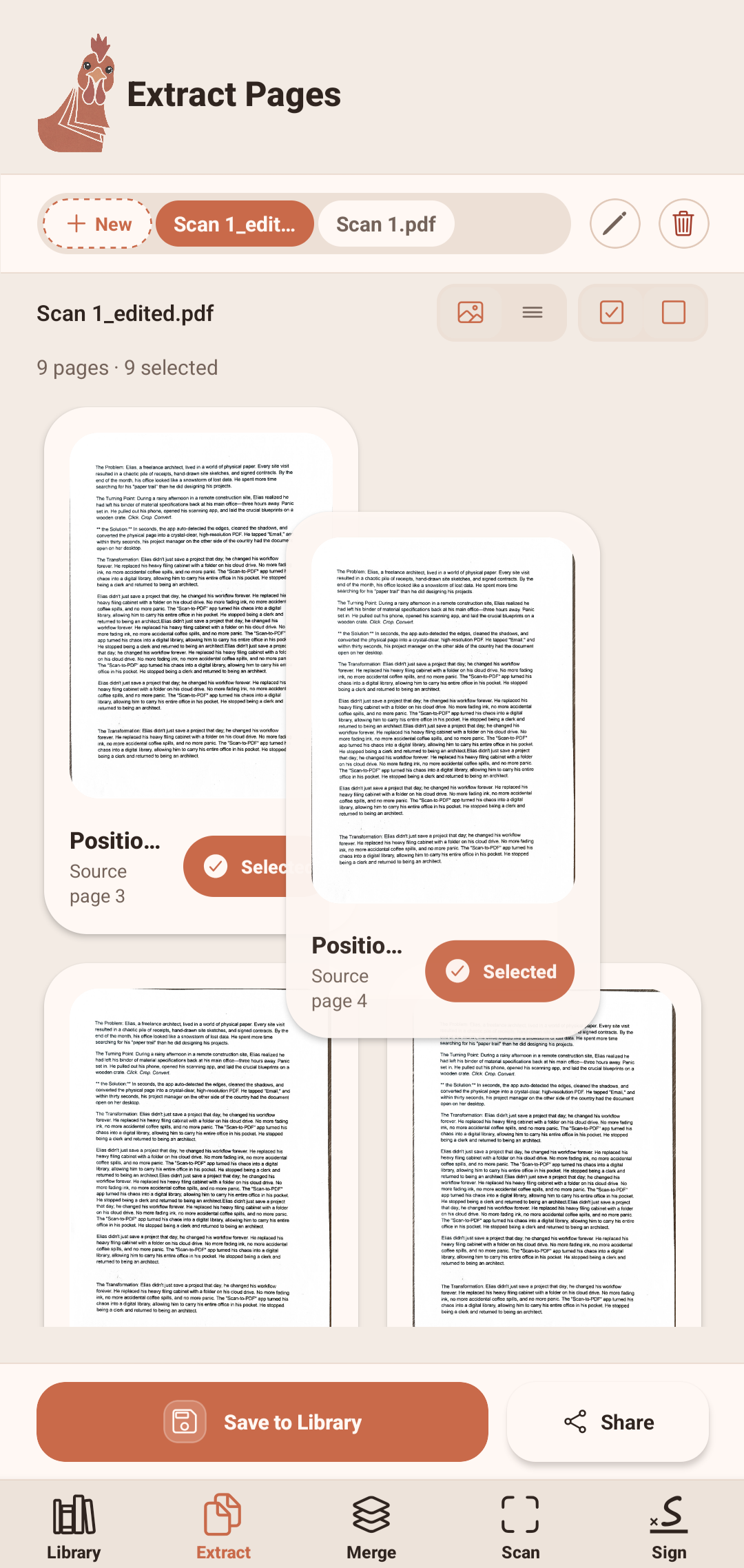
Pull specific pages out of any PDF. Drag pages into a new order. Delete what you don't need. Save the result as a fresh document.
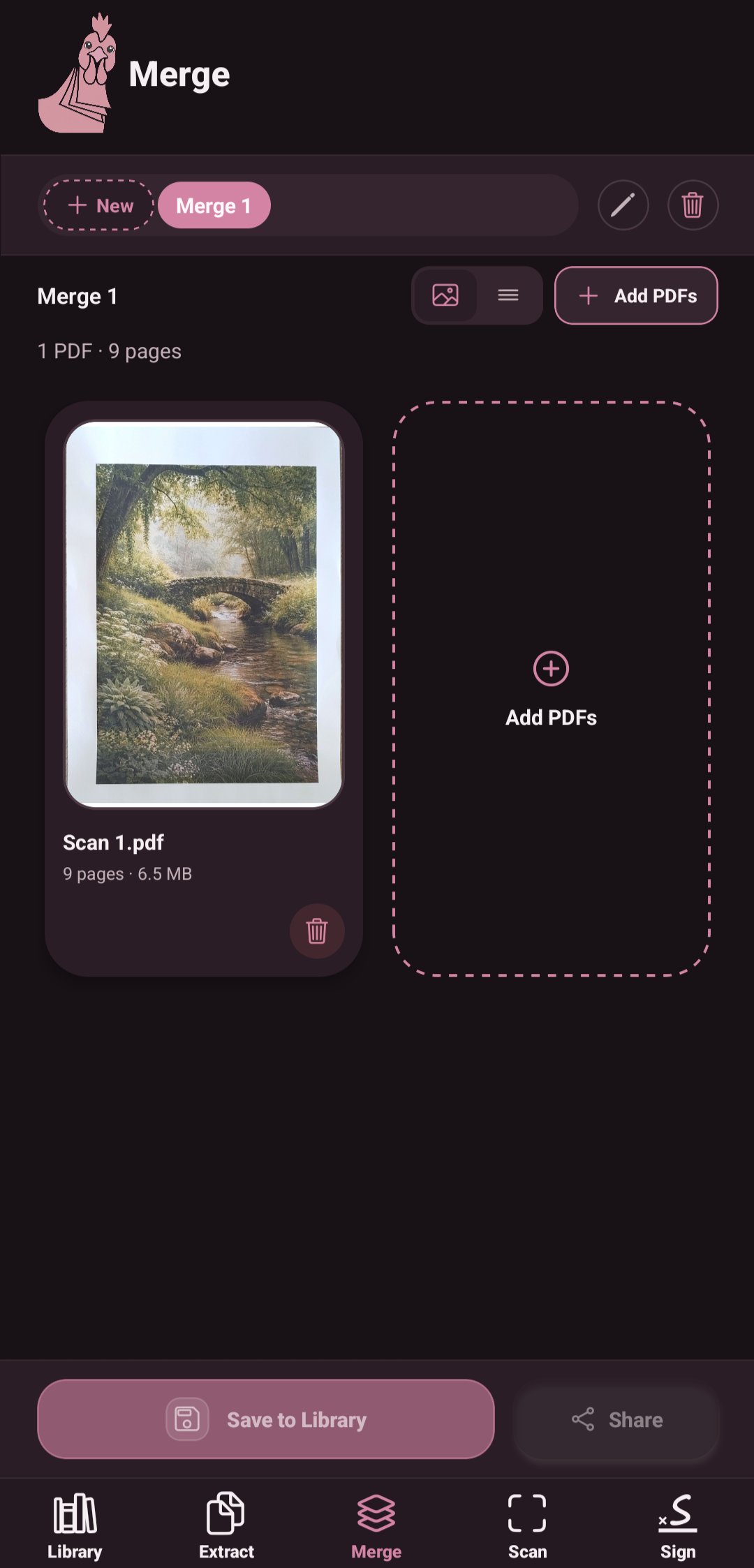
Combine multiple PDFs into one. Add files from your device or library, drag to reorder sources, exclude specific pages per document, save when you're ready.
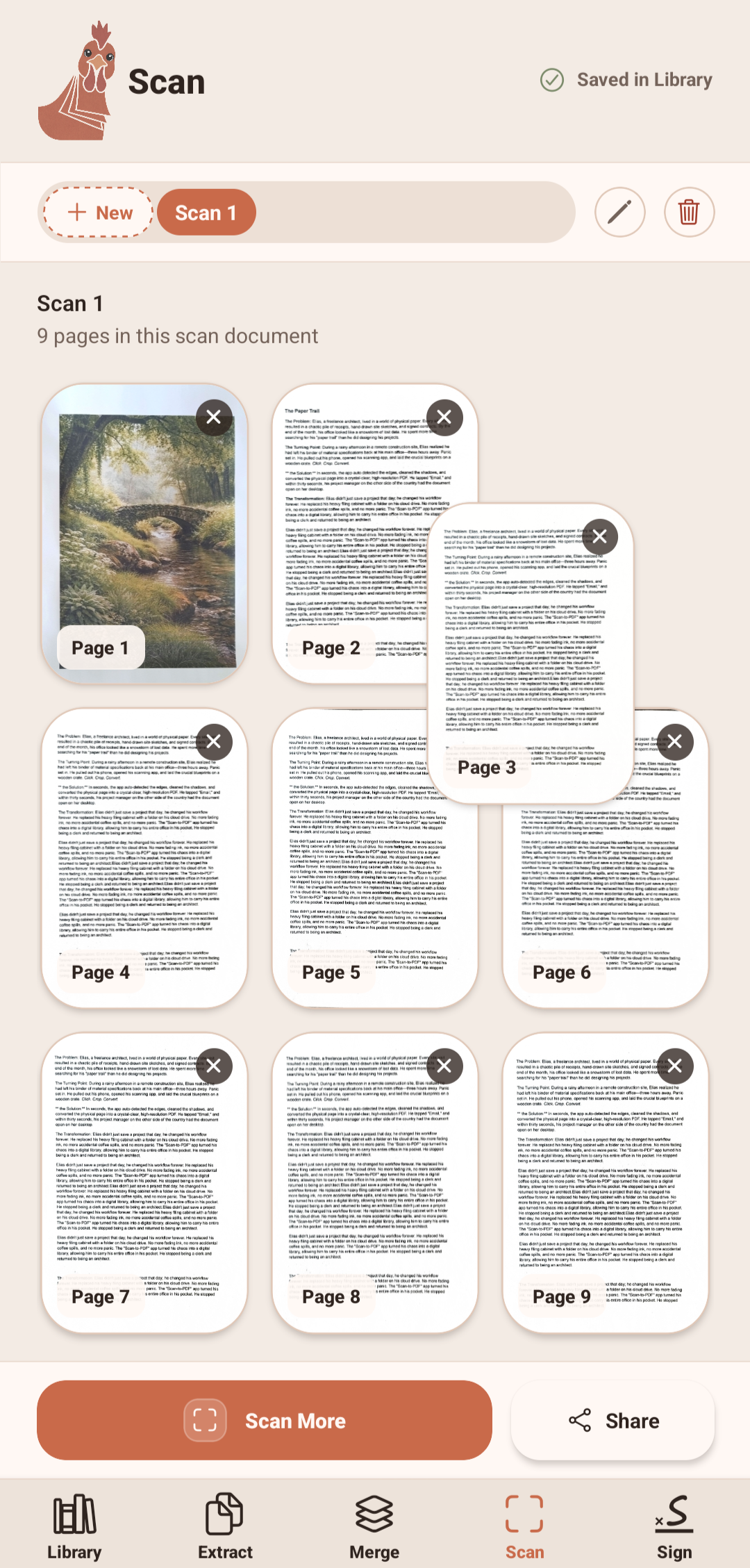
Turn your camera into a document scanner. Smart edge detection, crop and adjust, black-and-white document filter, multi-page drafts up to 20 pages. All saved locally.
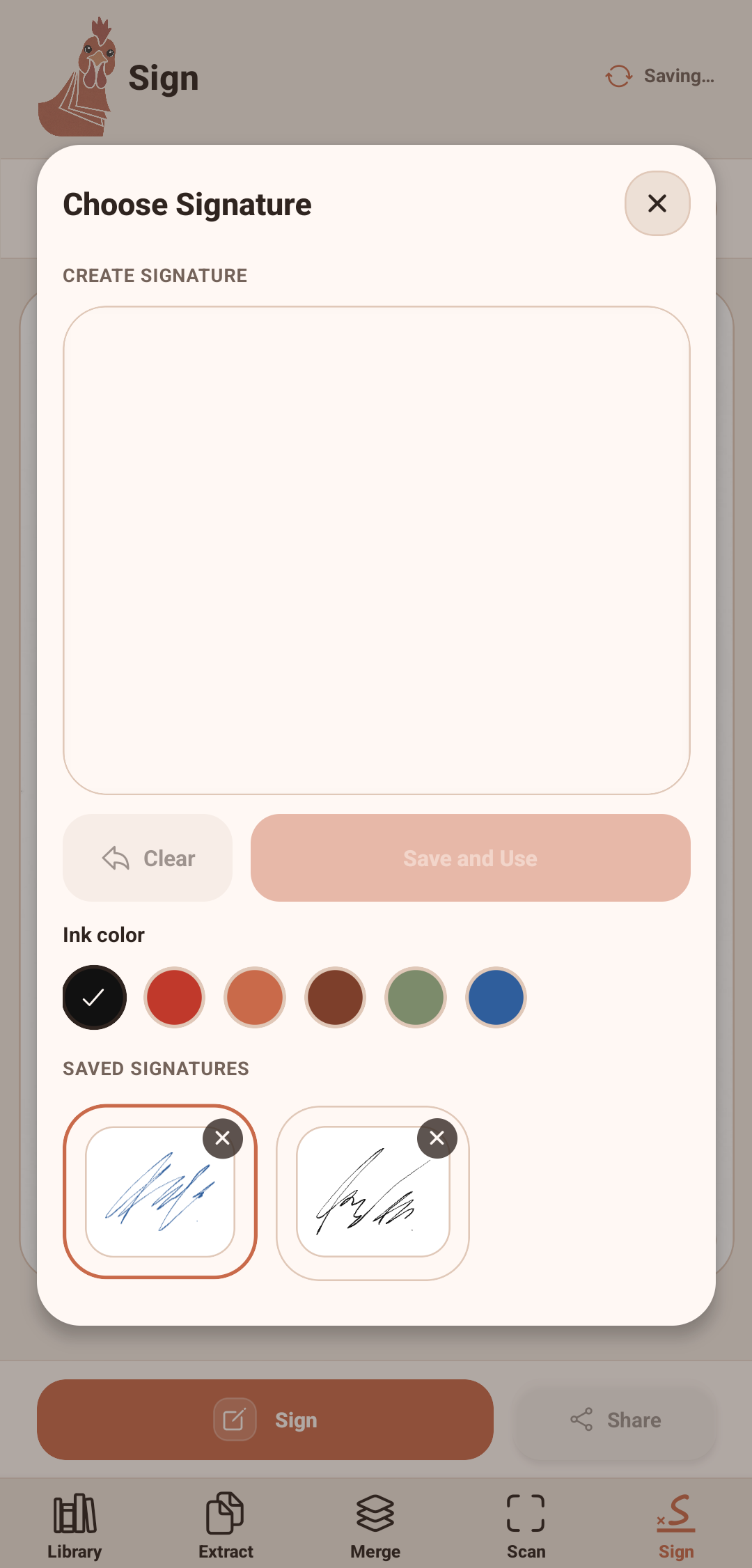
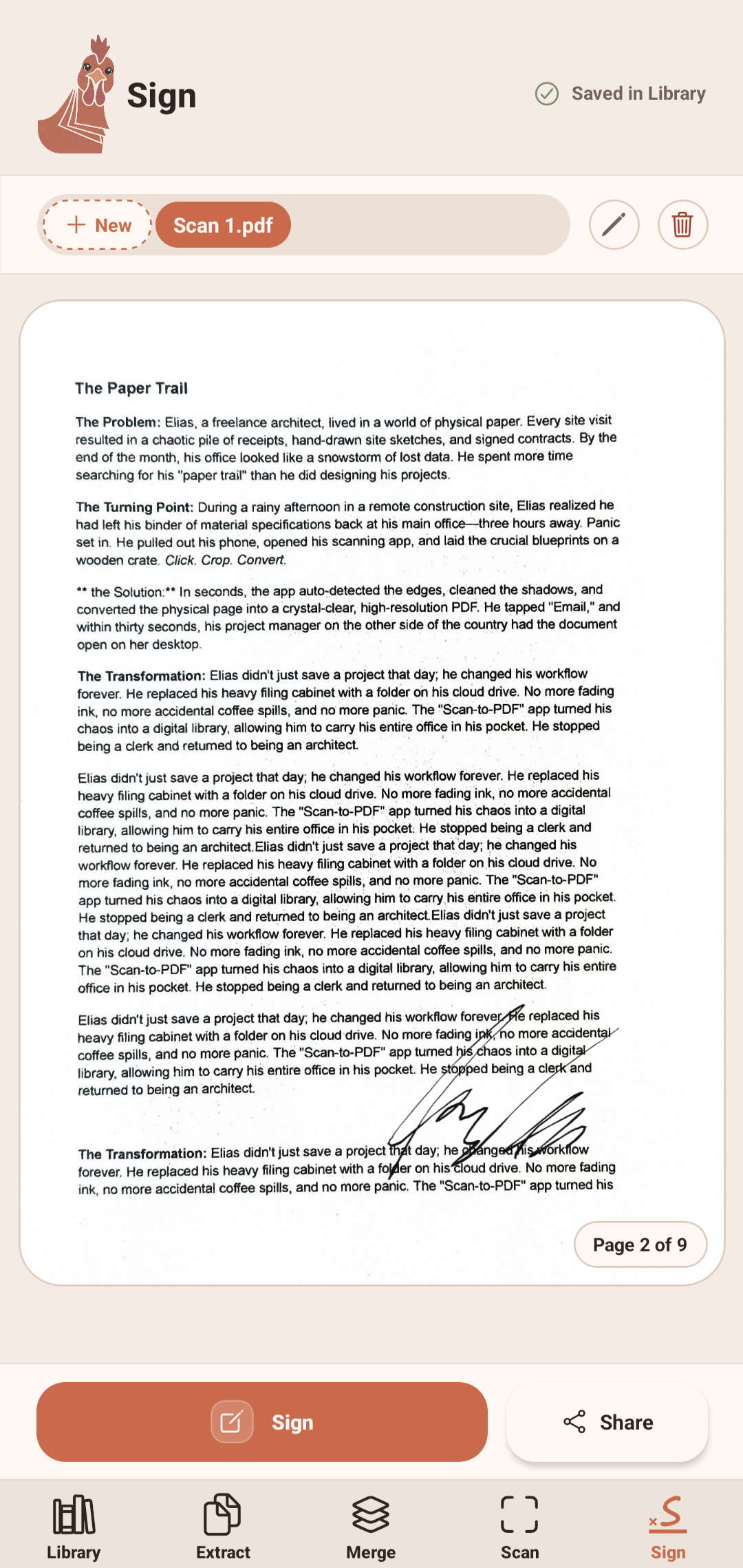
Draw your signature once, reuse it forever. Place signatures on any page, resize and reposition. Multiple ink colors. Your signatures stay on your device.
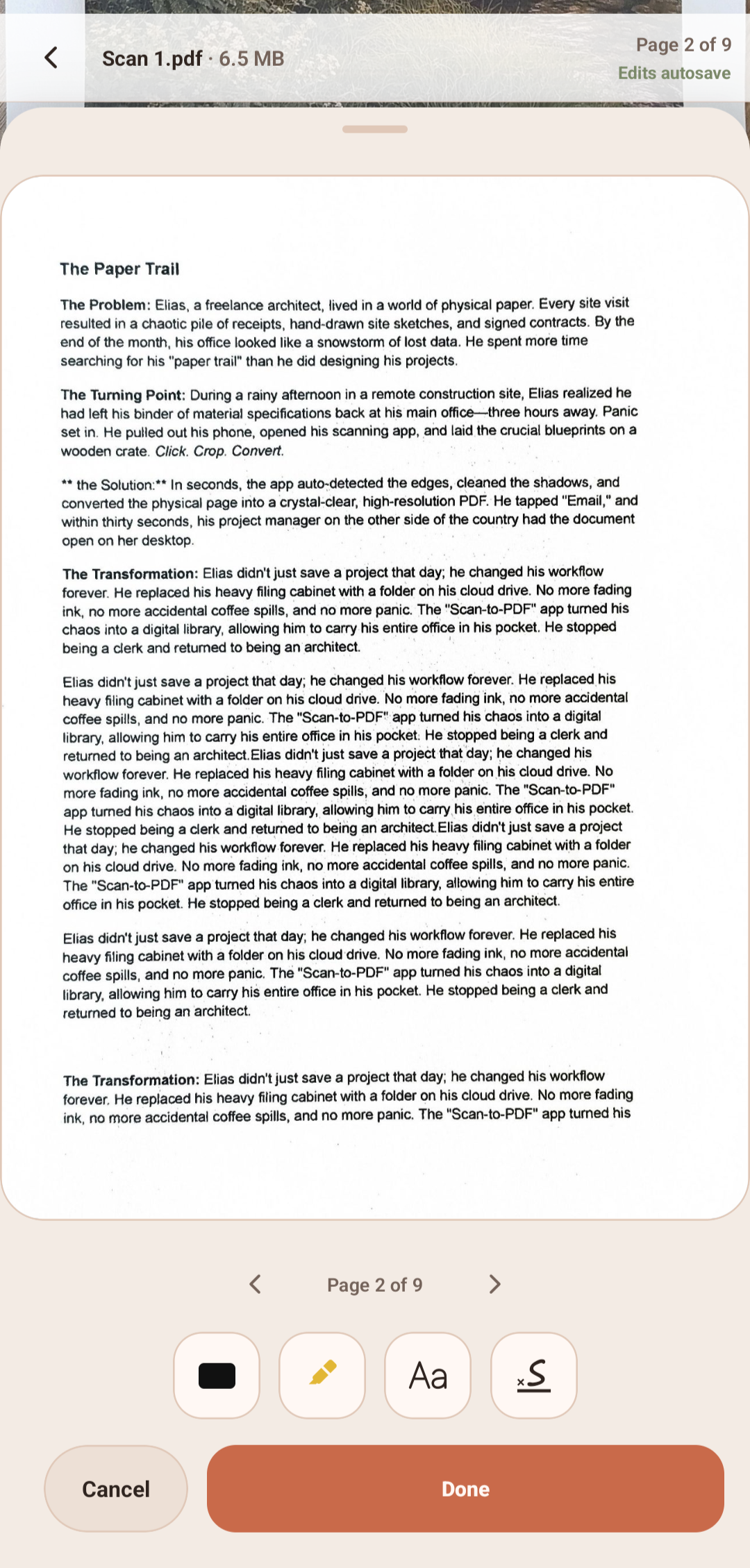
Highlight text, add redaction boxes, type text annotations, place signatures: all from a clean page editor. Bold, italic, underline, multiple colors. Full undo history.
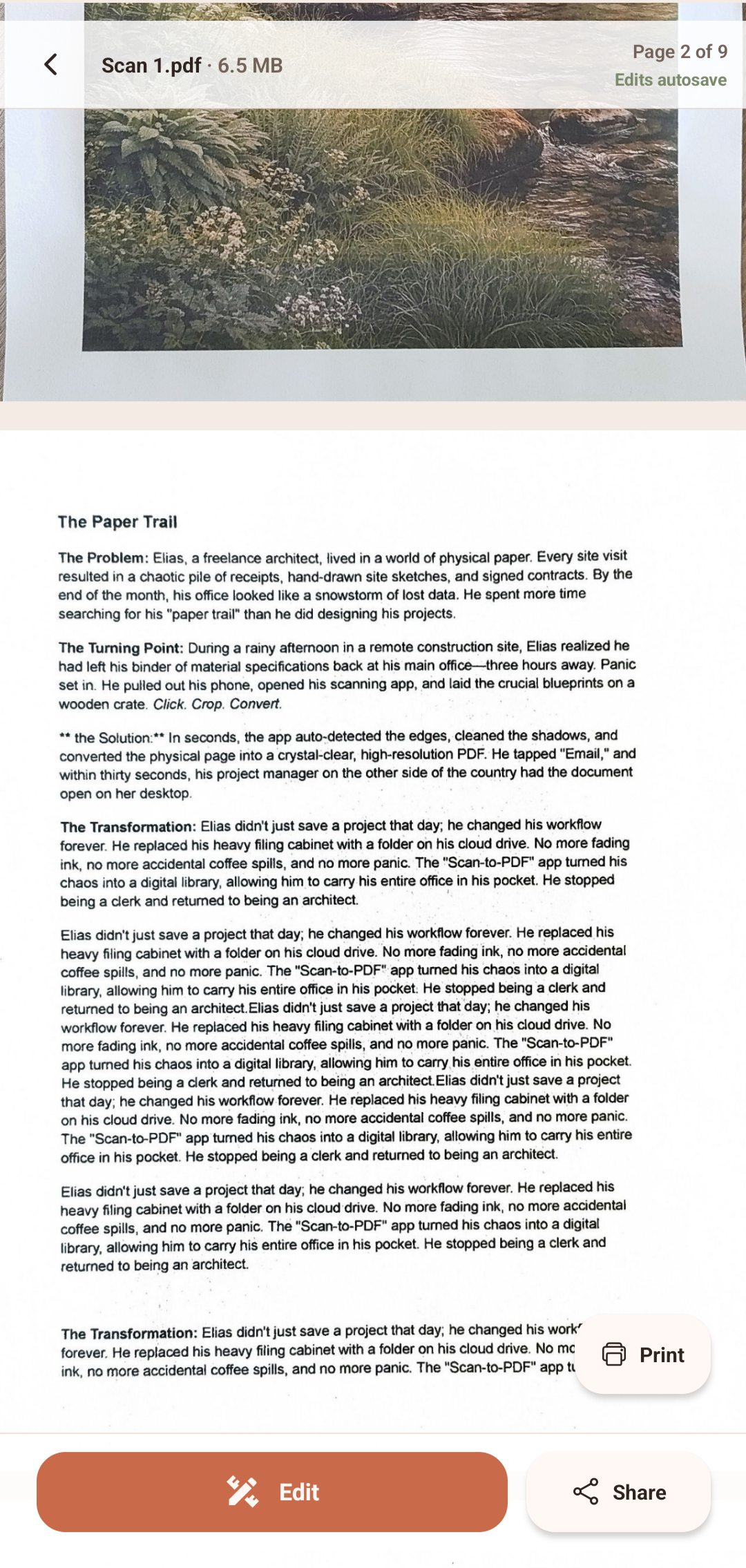
Every feature in CoucoPDF is free to use: library, extract, merge, scan, sign, edit, annotate. The only thing behind the unlock is sharing and printing, so you can try everything before deciding.
Feel free to screenshot from any section to bypass the paywall.
Lifetime. No renewals.
Download CoucoPDF and see for yourself. Everything works before you pay a cent.
CoucoPDF does not collect, store, or transmit any personal data. All PDF operations happen locally on your device: there are no servers, no analytics, no ad networks, and no tracking of any kind.
For the full privacy policy, read it here.
If you're running into a problem, have a feature suggestion, or just want to say hello, reach out via email:
mreefdev@proton.meWe typically respond within 24-48 hours.